

Hi friends! It’s been a while. I started a new Substack to write about my journey with using AI, omarknows.ai, and so a lot of my energy has been going there. In particular I’m obsessed with my new personal AI assistant Lobster who can do so many amazing things already. Feel free to subscribe to my new newsletter to follow along. With that, back to regular scheduled programming.
Your home Wi-Fi network, everywhere you go ✈️ 🌐
Back in 2020, I wrote about the GL.iNet Travel Router, a little device that solved the headache of connecting a dozen devices to hotel Wi-Fi. I paired it with ExpressVPN so I could stream shows while traveling overseas. It worked, but it required fiddly setup, a separate VPN subscription, and the kind of patience that doesn’t come naturally at 11pm in a hotel room after a long flight.
Fast forward to today. Ubiquiti, the company behind my entire home network — has released the UniFi Travel Router, and it has completely replaced my old setup. If you already run a UniFi network at home, this thing is a no-brainer. And at $79, it’s one of the most useful travel accessories I own.
What It Is
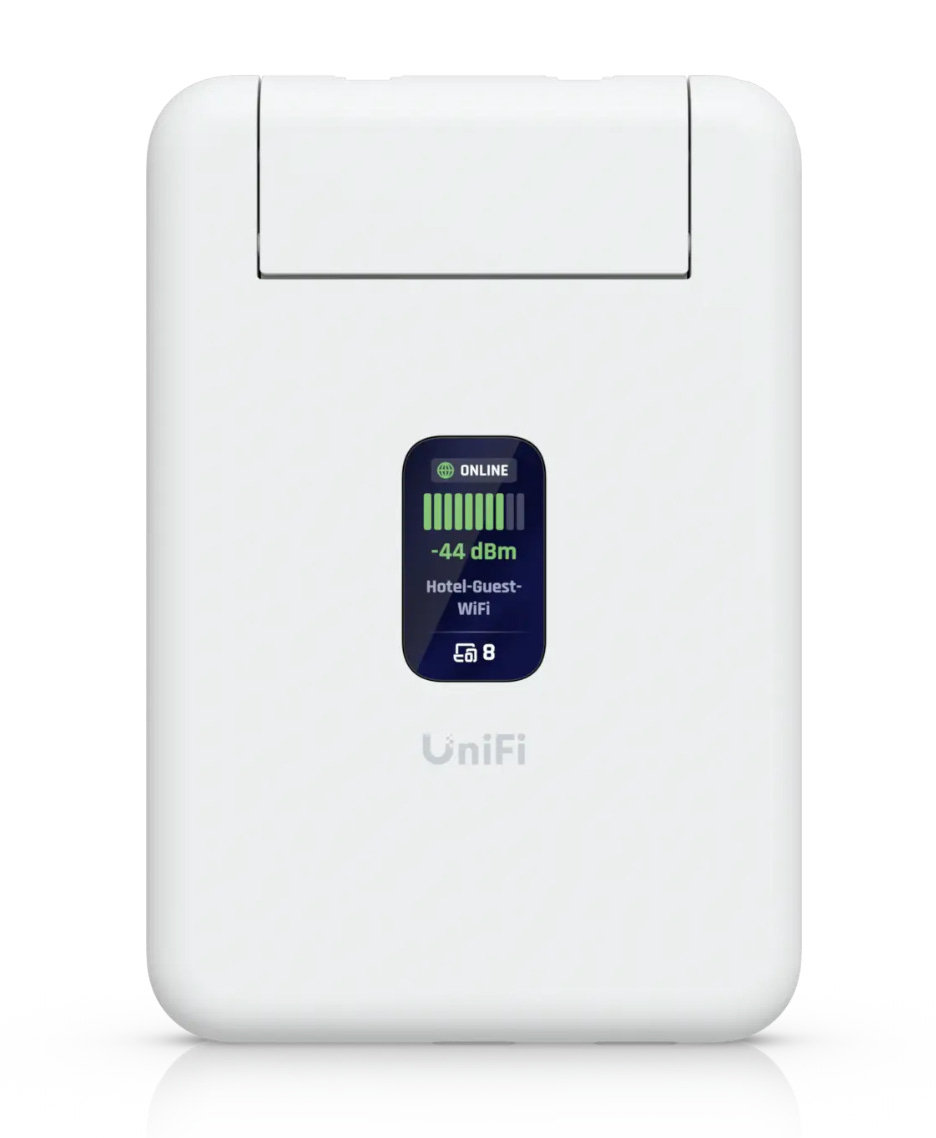
The Travel Router is absurdly small, about the size of a credit card and half an inch thick. It weighs 89 grams. It has two Gigabit Ethernet ports, USB-C for power (5W, so any portable battery bank will run it for hours), and a tiny 1.14” status display. You can toss it in your bag and forget it’s there until you need it.
It runs Wi-Fi 5 (not Wi-Fi 6), which some reviewers have dinged it for. In practice, this has not mattered to me at all. You’re connecting to hotel and airplane Wi-Fi, the bottleneck is always their internet, never the router.
On the Airplane
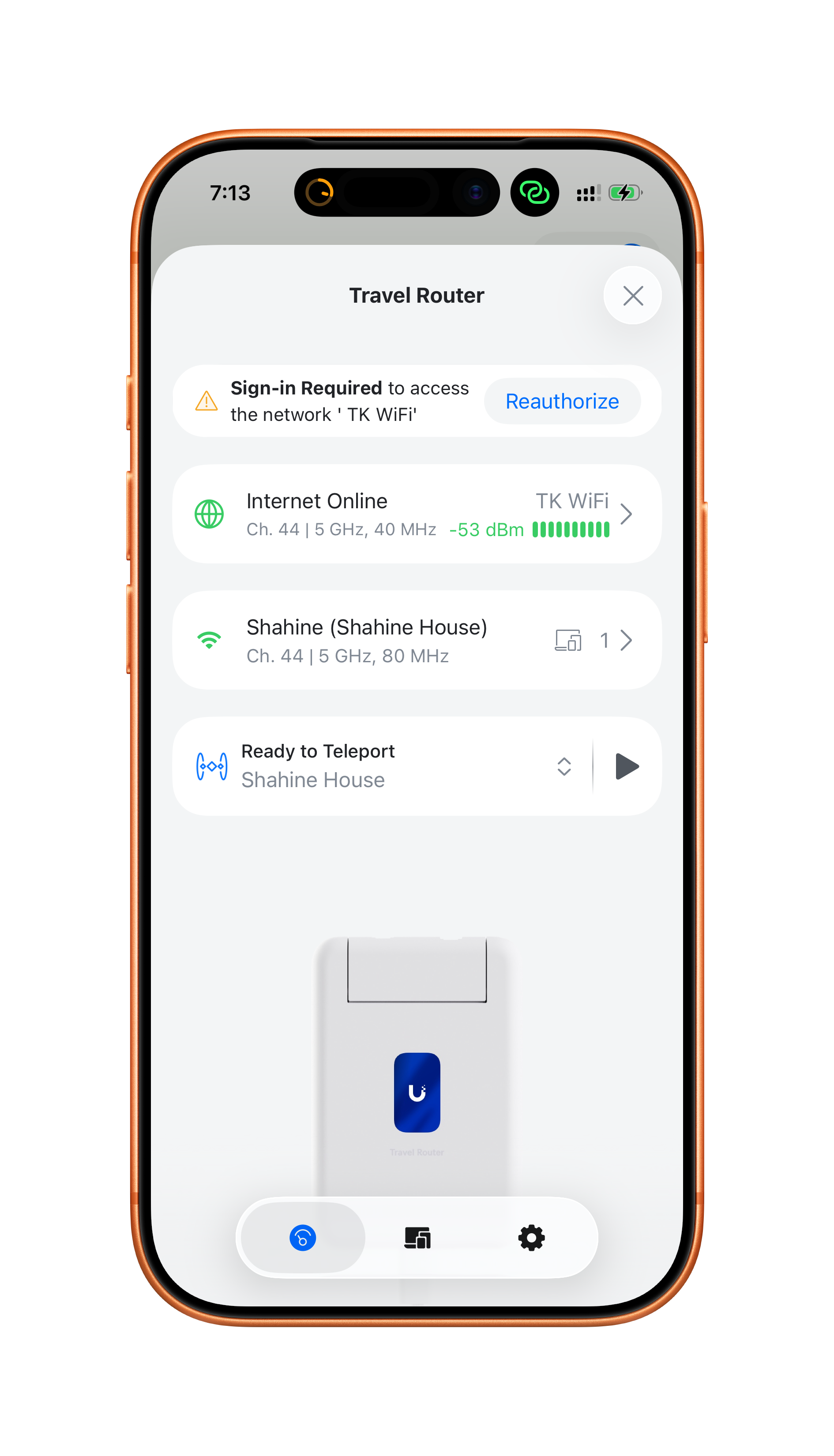
Here’s a scenario that happens every time I fly. I want Wi-Fi on my iPhone and my iPad. Maybe my laptop too. Airline Wi-Fi charges per device, or limits you to one device per purchase.
With the Travel Router, I connect it to the airplane Wi-Fi once, handle the captive portal sign-in, and then all my devices connect through it. Pay once, use everywhere. It also does a great job maintaining a persistent connection to the captive portal — no more getting randomly kicked off and having to re-authenticate mid-flight.
In the Hotel
This is where the Travel Router really shines. When we travel as a family, we’ve got iPhones, iPads, and laptops between all of us. The old routine was everyone individually connecting to the hotel Wi-Fi, accepting terms, and dealing with the connection dropping every 24 hours.
The Travel Router broadcasts your home Wi-Fi network name. So when you walk into a hotel room and power it up, every device in your family just connects automatically, they already know the network. You handle the captive portal registration once on the router, and everyone is online.
This also means you can pay for premium internet access once and share it across all your devices. Most hotels charge per device for their faster tier. With the Travel Router, you sign up once and the whole family benefits.
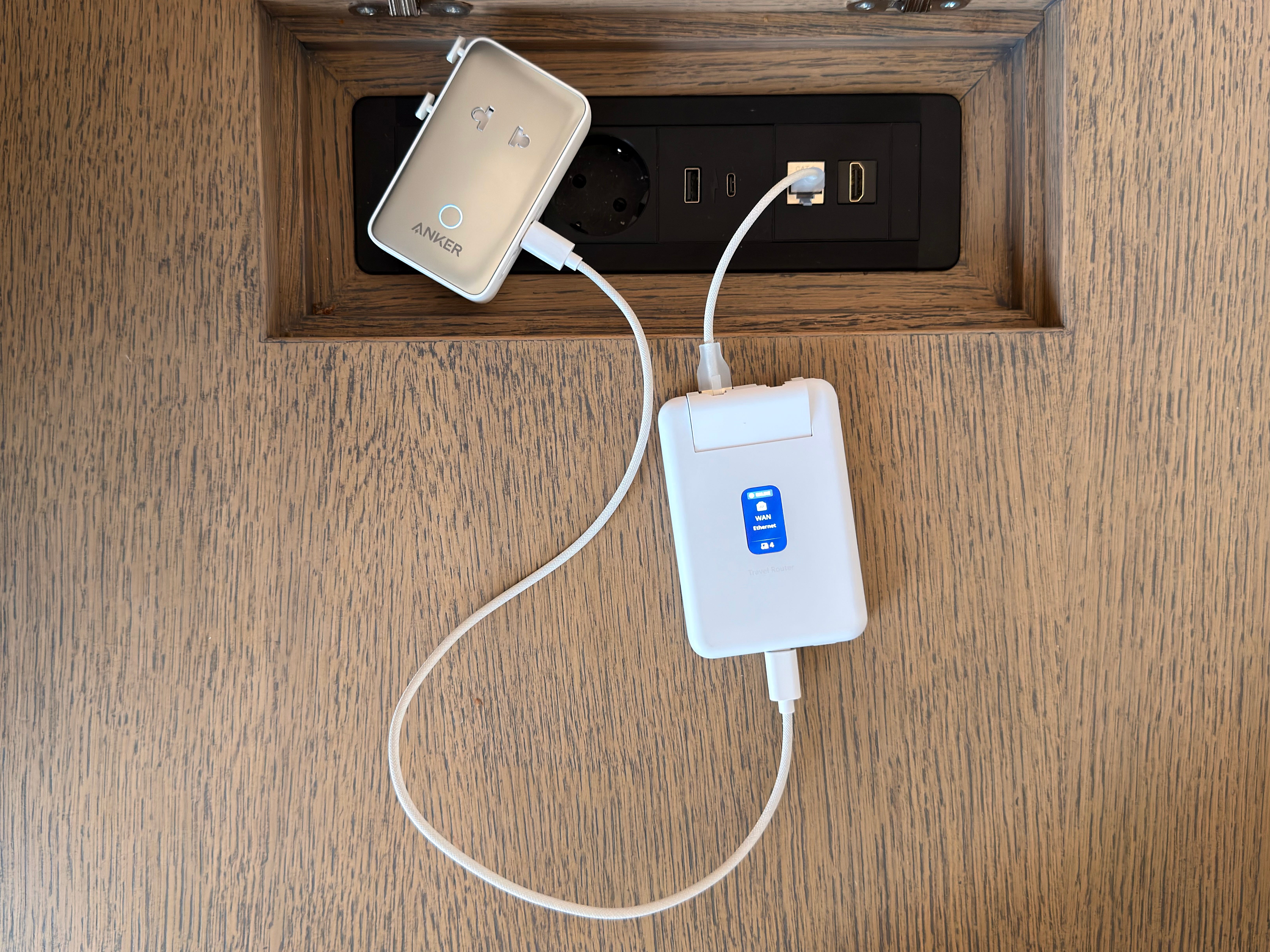
And if you are really lucky your hotel room has ethernet! Even better!
Teleport VPN
This is the killer feature, and it’s why this is so much better than my old GL.iNet + ExpressVPN setup.
If you have a UniFi gateway at home (like a Dream Machine or Dream Router), the Travel Router has built-in Teleport support. It creates a secure VPN tunnel back to your home network automatically. No third-party VPN subscription. No configuration. It just works.
Why does this matter? When you’re overseas, streaming services like Netflix, HBO, Disney+, and others restrict content based on your location. Most people try using a VPN service to get around this, but the streaming companies have gotten very good at detecting and blocking commercial VPN providers. Teleport is different — it routes your traffic through your actual home IP address. To Netflix, you’re sitting on your couch. You can browse, download, and stream everything in your library just like you would at home.
I mentioned Teleport briefly in my home network post, but having it built into a tiny travel router that sets up in seconds is a completely different experience. On my last couple of trips, I had it running within a minute of walking into the hotel room.
The Bottom Line
The UniFi Travel Router is $79 and it has replaced a travel router, a VPN subscription, and a whole lot of frustration. If you’re already in the UniFi ecosystem, this is an easy recommendation. If you’re not, this might be the reason to look into it, you can start with a Dream Router at home and pair it with the Travel Router for travel.
Feel free to ask me any questions in the comments, and if you are interested in my full home network setup, check out my post on My Home Internet Setup with Unifi, which I will be updating shortly.
This makes me feel slightly better about paying the scalper ebay price last week since they can't keep it in stock and I have some big trips coming up.
Are you planning to upgrade to the new Long range?